

Snipkit is a menu bar app for Mac. Capture by voice or by hand, mark it up, and find it again later. AI features run on your Mac, not in the cloud.
Free 14-day trial, no account. macOS 26 or later on Apple silicon.
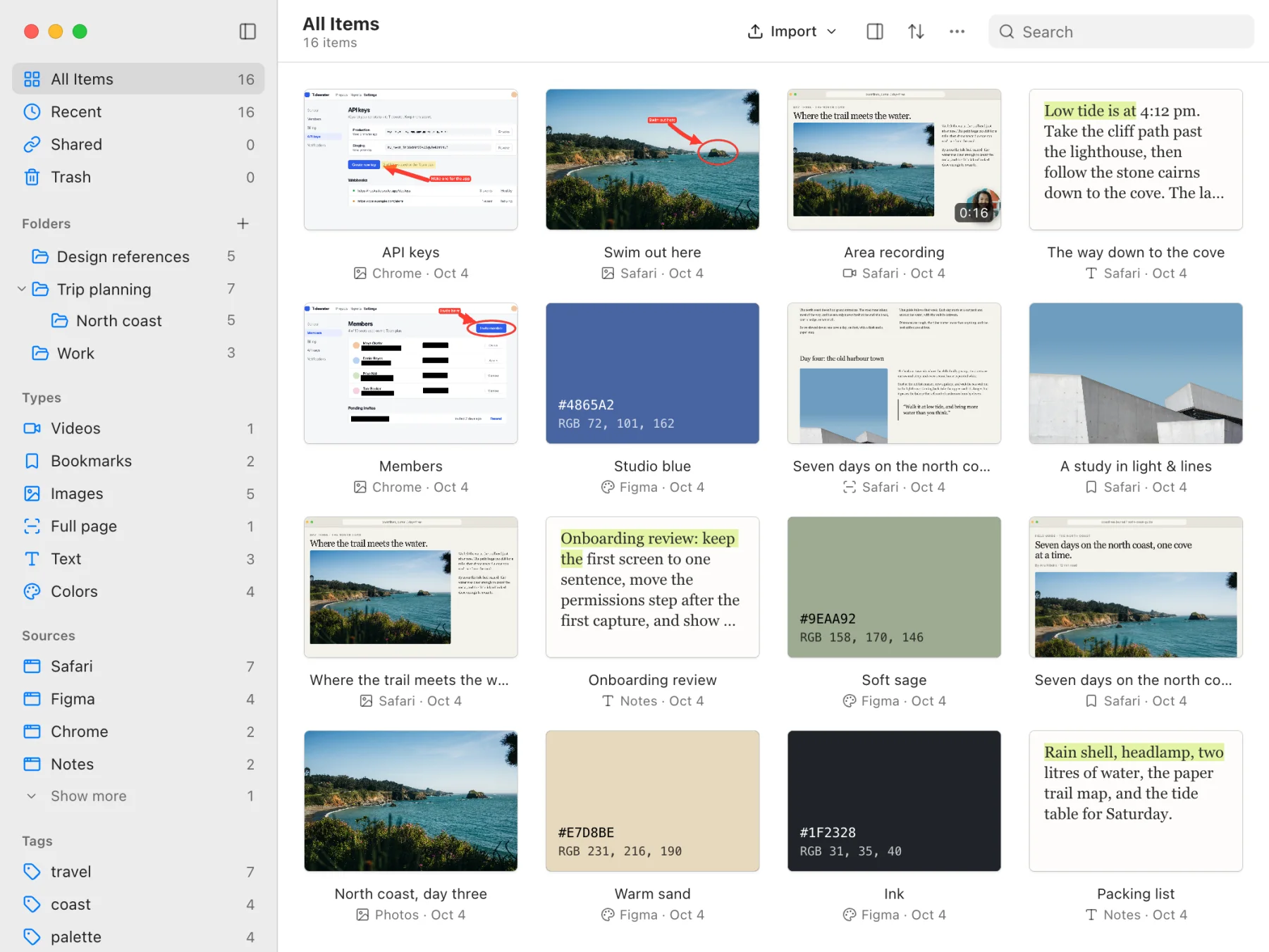
Screenshots, long pages, text, colors, and screen recordings. By voice or by hand.


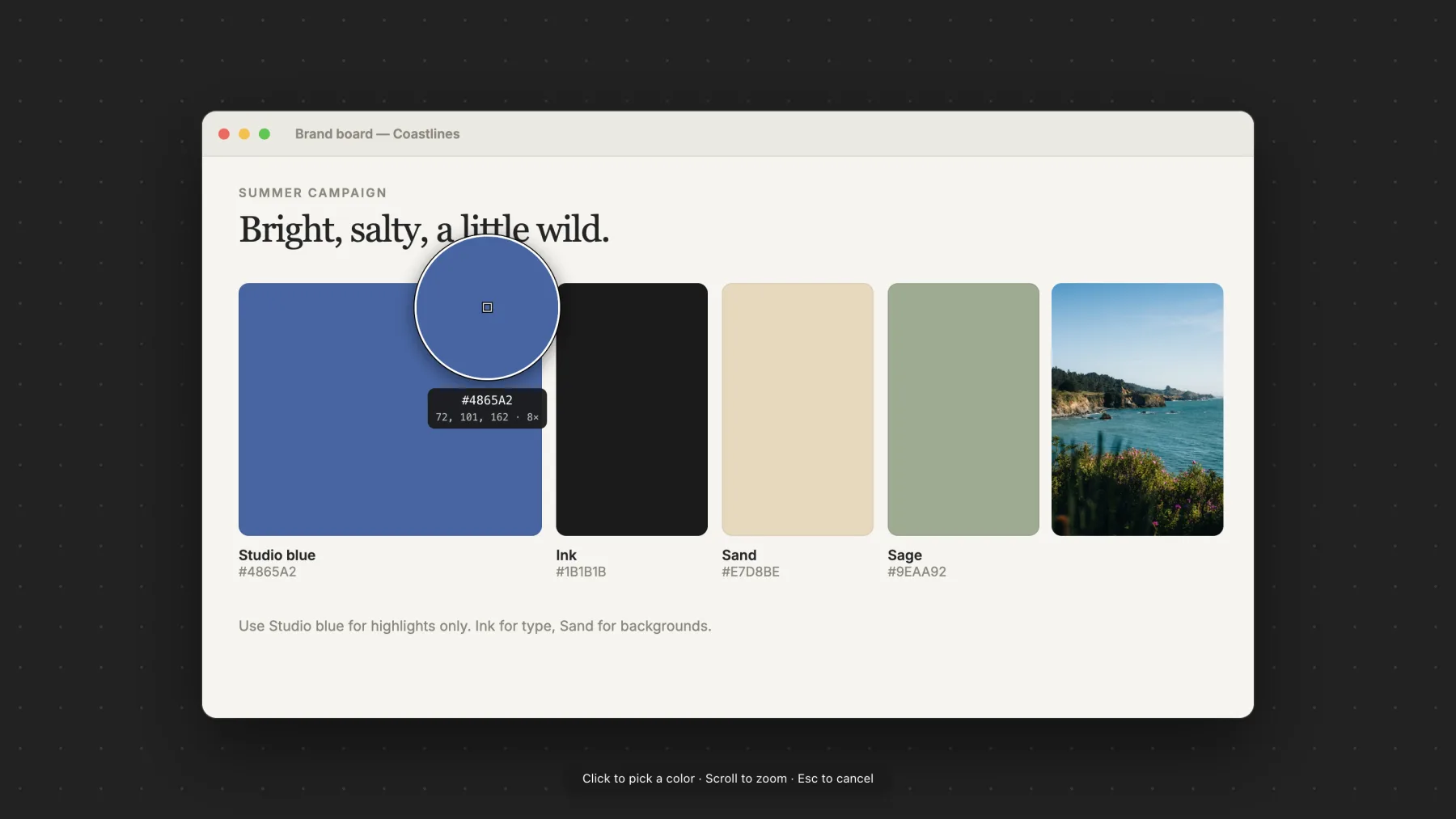












Arrows, boxes, circles, lines, highlights, text, numbered steps, freehand, blur, hide, and crop.


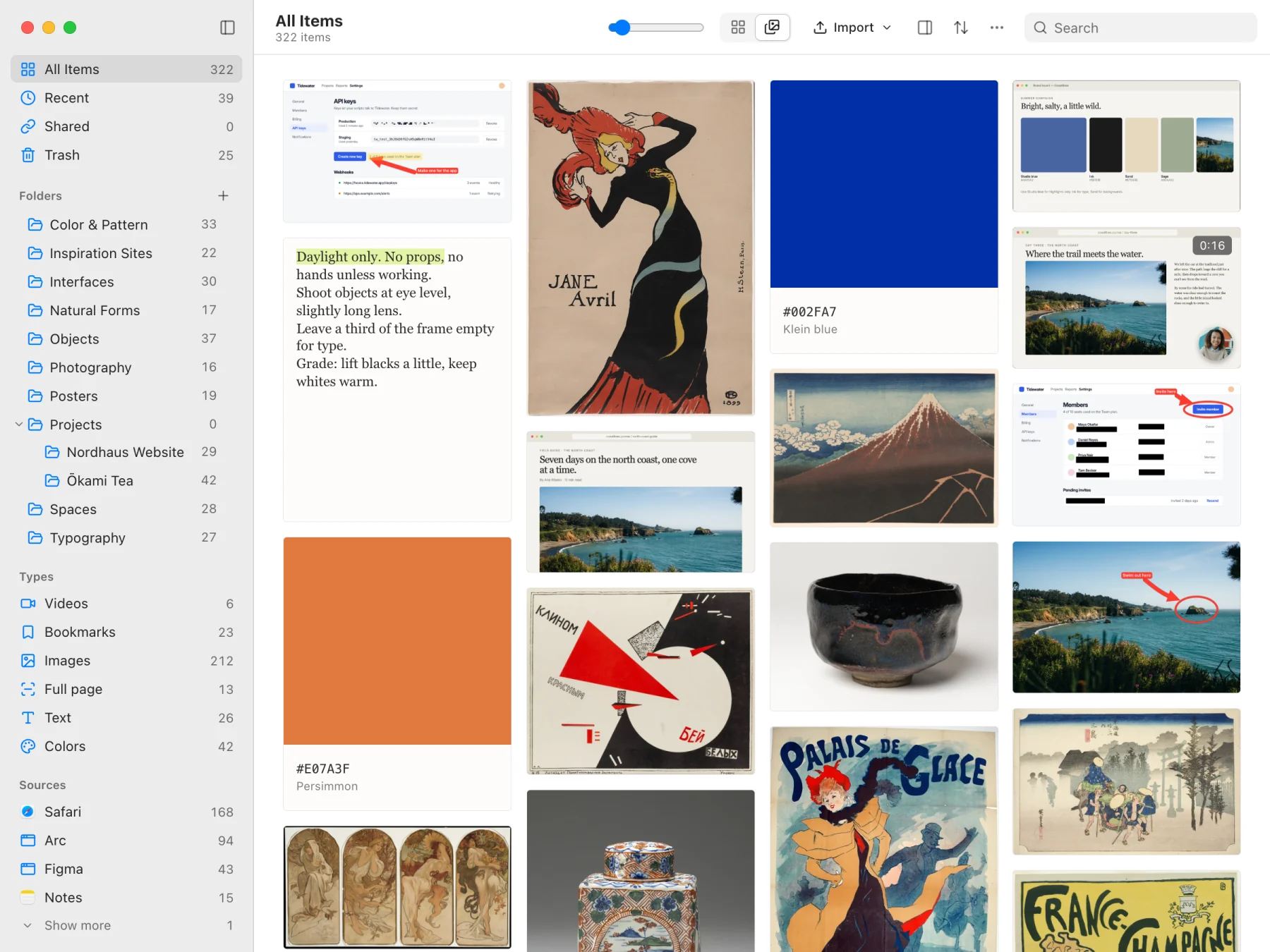
Screenshots, recordings, text, colors, and bookmarks, each with its context: the text on screen, what you said, and the app or page it came from.

Dictate into any text field, rewrite a selection by saying what to change, paste anything you copied earlier, and get a reminder to rest your eyes.
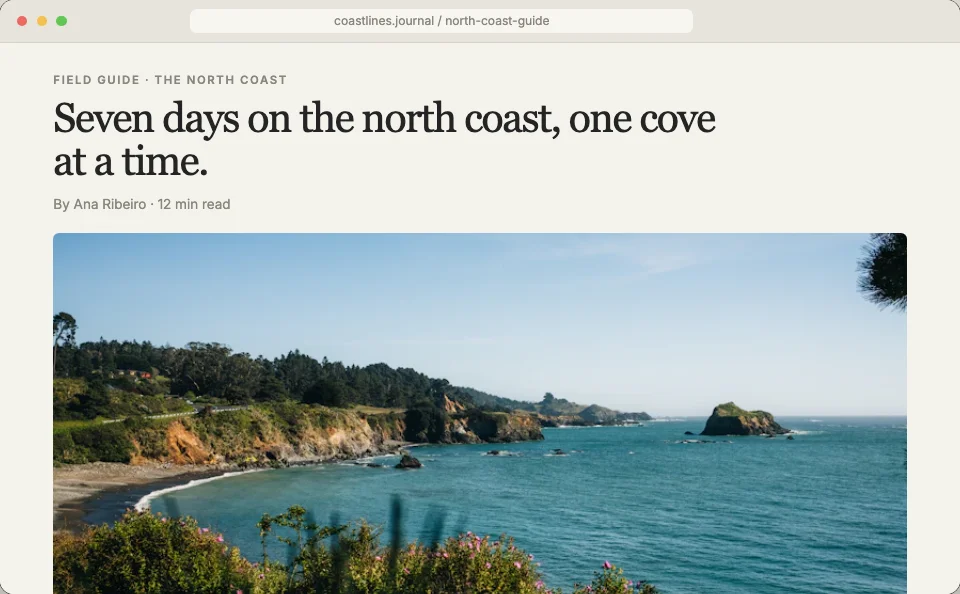
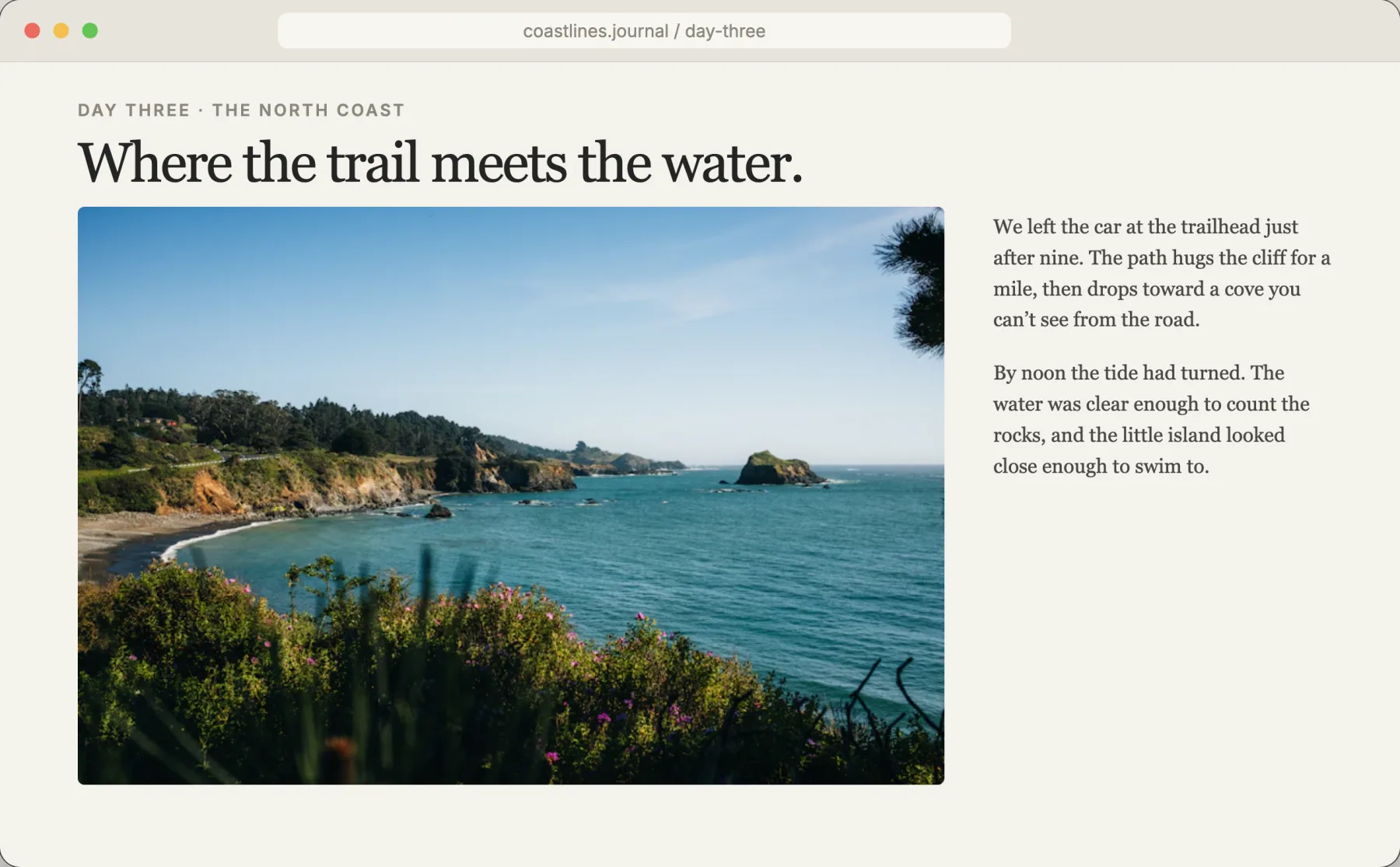
Hi Ana, here are the photos from the cove. The island in the last one is the spot I mentioned. Let me know which ones you want in the guide.
Reply to the printer
Thanks for the proof.
The margins are wrong and the cover color is off. Fix it and send it again. The margins look a little tight and the cover color is slightly off from the sample. Could you adjust both and send a new proof when you get a chance?
Everything else looks good.
 light-and-lines.jpg
Capture, voice edits, recording, the library, and your clipboard in 47 seconds, narrated.
Everything you capture is stored on your Mac. Only a screenshot or text you share by link is uploaded.
Speech, text recognition, and AI edits use Apple Intelligence or Gemma.
No advertising or usage analytics in the app.
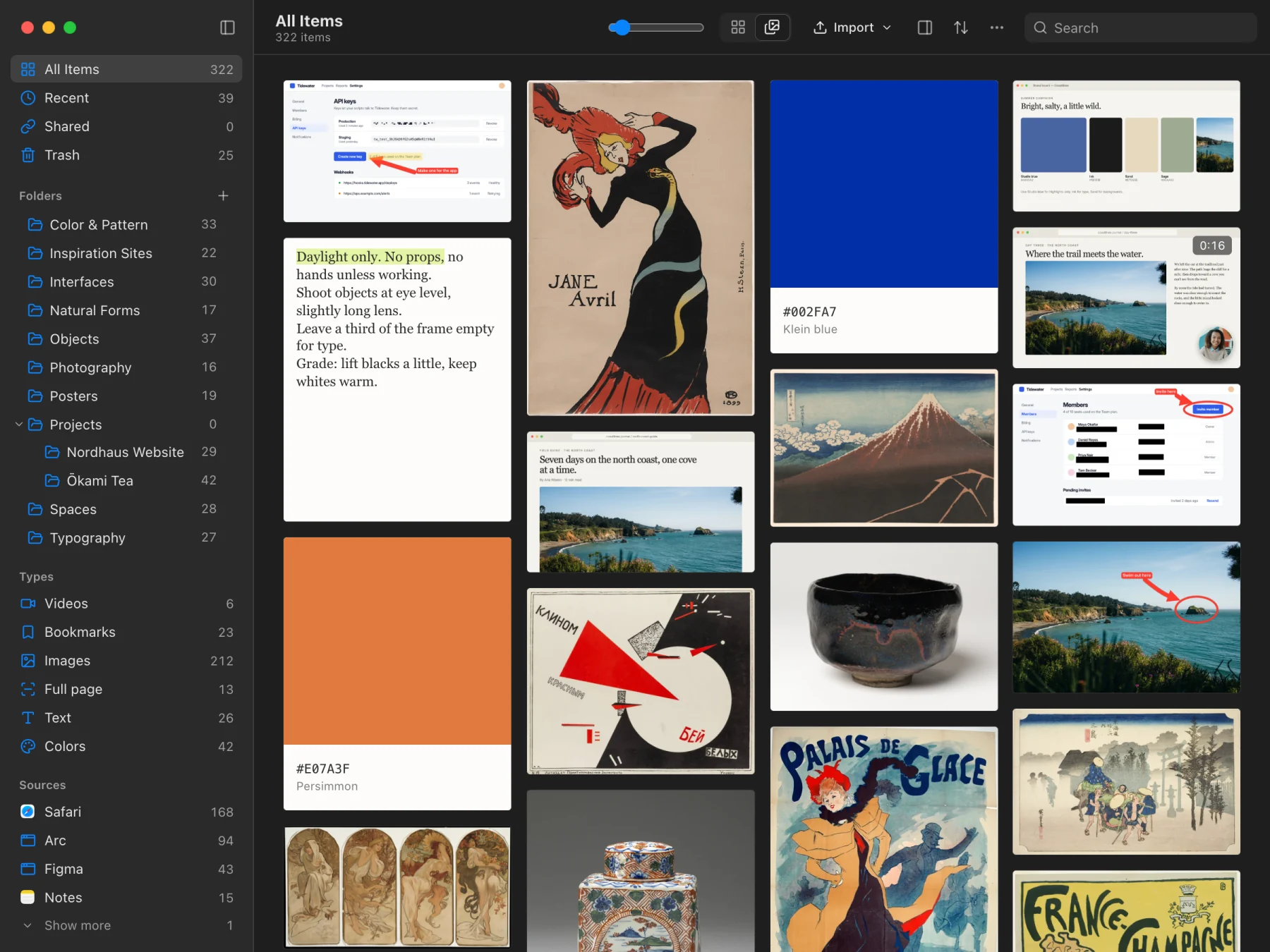
Follows light and dark mode and your accent color. Liquid Glass controls on macOS 26, system icons, and subtle sounds and haptics you can turn off.
Both options include every feature on two Macs. Tax included.
$7.99USD
One-time payment
Tax included. No automatic renewal.
$24.99USD
One-time payment
Tax included. Nothing to renew.
Try it first. Free 14-day trial of everything, no account or payment details. Download for Mac
Requires an Apple silicon Mac (M1 or newer) and macOS 26 or later.
Already purchased? Find your license or manage Macs. Bought 1 year? Upgrade the same license to lifetime updates for $16.99 anytime.